Tik Tak
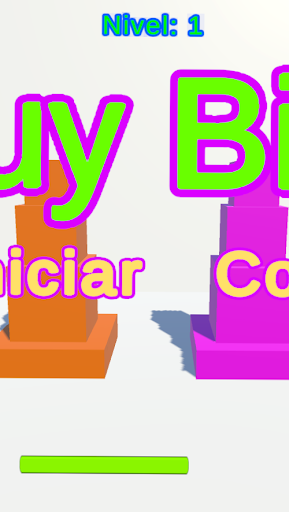
To start the game you must press the "Start" button.
Additionally, the starting level can be chosen by selecting the "Level" button.
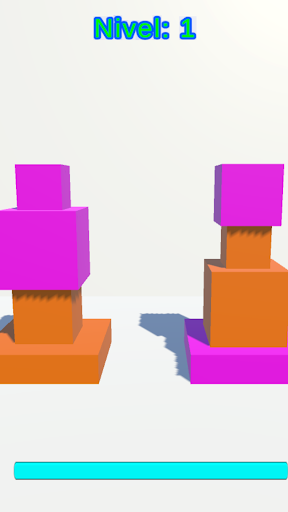
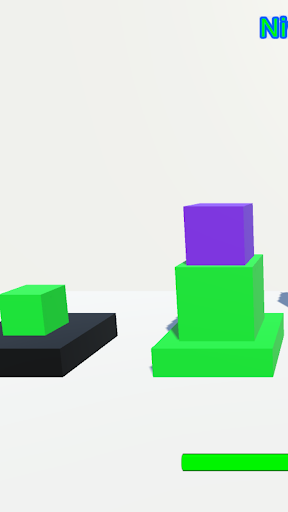
By default, if no level is chosen, the initial level is 1.Game rules:On each square platform, the blocks of the same color as the platform must be arranged in descending order starting from the bottom, in such a way that a pyramid of 3 cubes of different sizes and of the same color as the platform is formed.Each platform allows a maximum of 3 blocks regardless of size or color.In order to accommodate the blocks, the black platform must be used.
The number of platforms increases every certain level.Finally, the number of platforms and therefore blocks increases every 5 levels.
Additionally, the starting level can be chosen by selecting the "Level" button.
By default, if no level is chosen, the initial level is 1.Game rules:On each square platform, the blocks of the same color as the platform must be arranged in descending order starting from the bottom, in such a way that a pyramid of 3 cubes of different sizes and of the same color as the platform is formed.Each platform allows a maximum of 3 blocks regardless of size or color.In order to accommodate the blocks, the black platform must be used.
The number of platforms increases every certain level.Finally, the number of platforms and therefore blocks increases every 5 levels.
Features
🎮
Gaming Features
Enjoy immersive gaming experience with various game modes.
Screenshots
See Tik Tak in Action
Get the App Today

Available for Android 8.0 and above
Ask AI about this app
Get instant answers about features, tips and more from popular AI assistants.